Mechanic Workflow Guide
Your complete guide to working with DRYVE
What You'll Learn
- How to log in and navigate the app
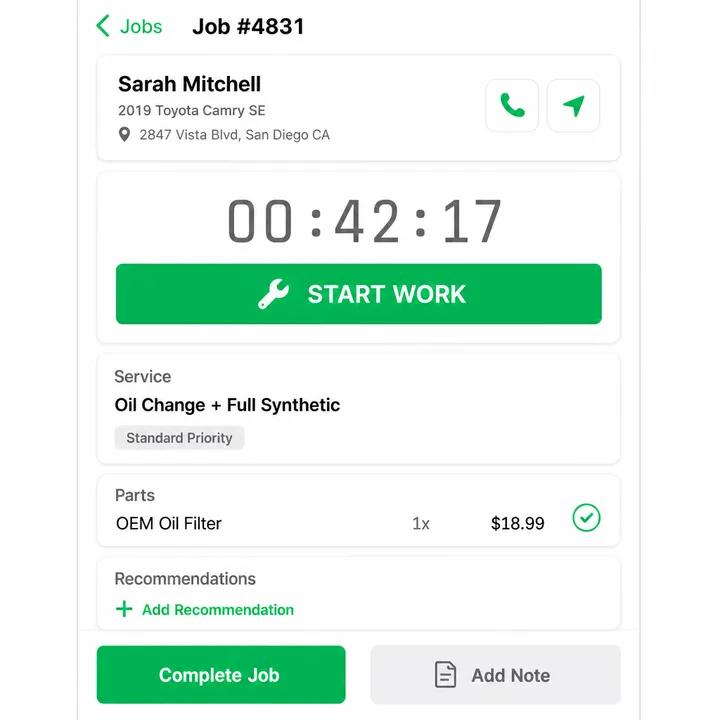
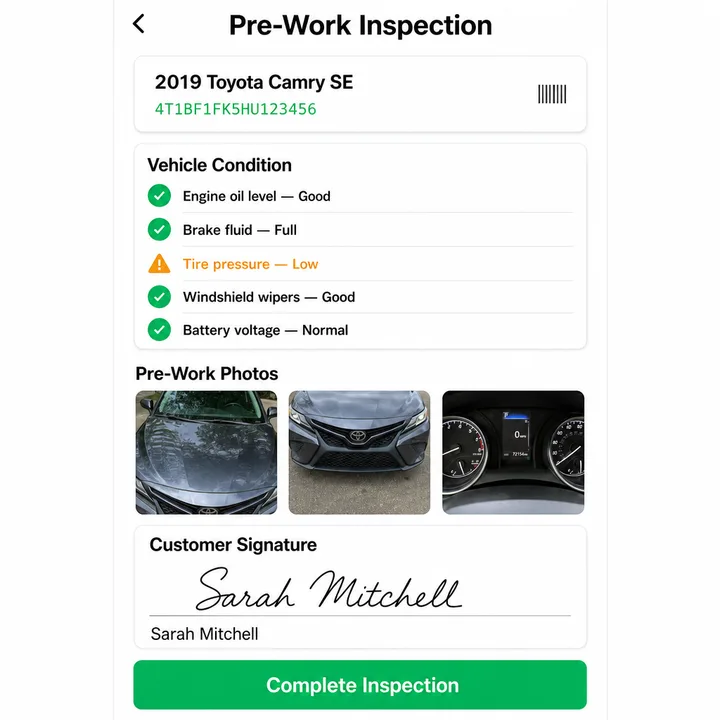
- The complete job workflow from assignment to completion
- Managing parts pickups and status updates
- Core return tracking and deadlines
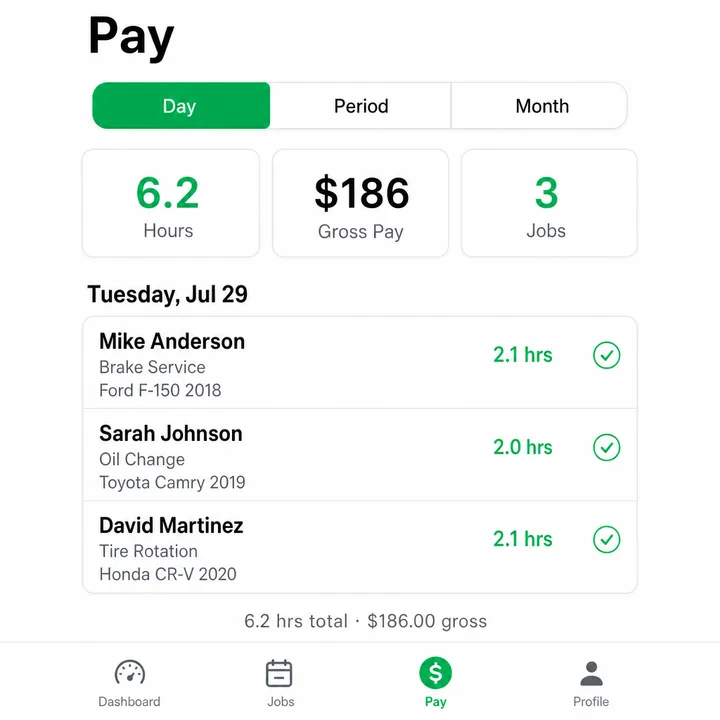
- Payroll and earnings overview
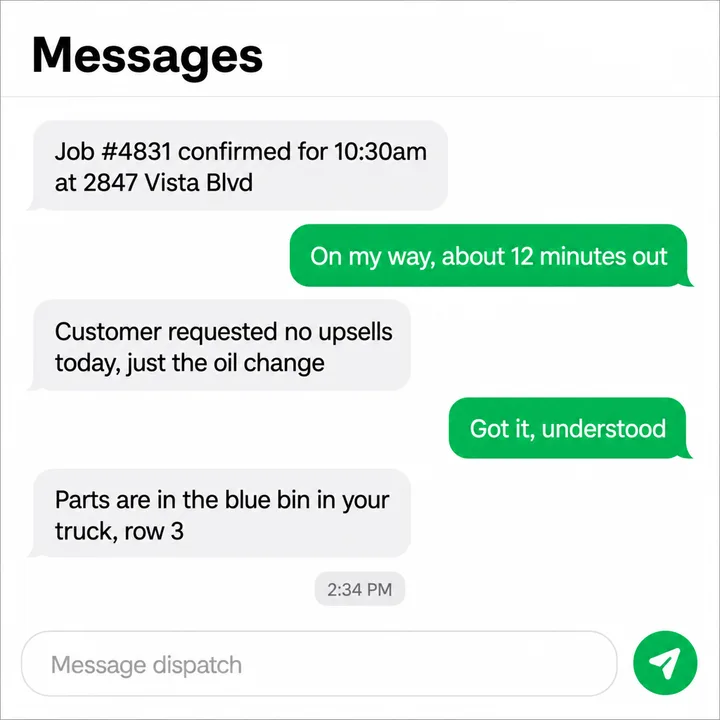
- Communicating with customers and dispatch
Mobile-First Experience
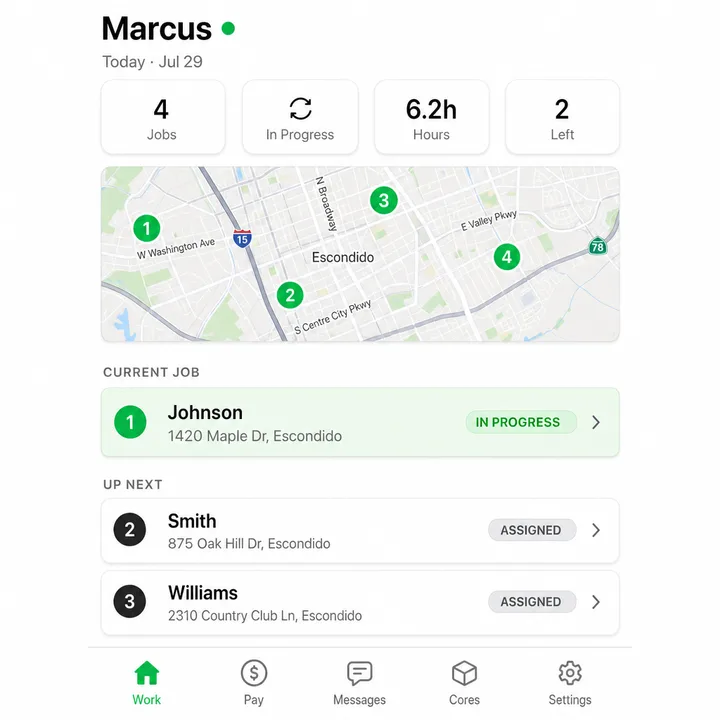
The DRYVE mechanic portal is designed for your phone. All features work seamlessly on mobile devices.
Current DRYVE app